Download Kick videos and clips in high quality. Fast, secure, and easy to use. Cut, trim, and save your favorite Kick streams.
Three simple steps to download
Find the Kick video you want to download and copy its URL from your browser
Paste the URL into our download box above and click the download button
Your video will be processed and downloaded automatically to your device
I've tried a few VOD downloaders, but this one has been one of the most reliable so far. Downloads work smoothly and I haven't had any issues with it.
The option to select exactly which part of the video I want to download is really useful. I don't have to download the whole video just to get a small section.
Honestly, this is much easier than I expected. Paste the video URL, choose the section you need, and download it. Everything worked perfectly for me.
Really solid downloader. It feels trustworthy, the interface is simple, and the videos download without random errors or failed attempts. Definitely worth using.
Get our native iOS app for faster downloads, background processing, and seamless integration with your device.

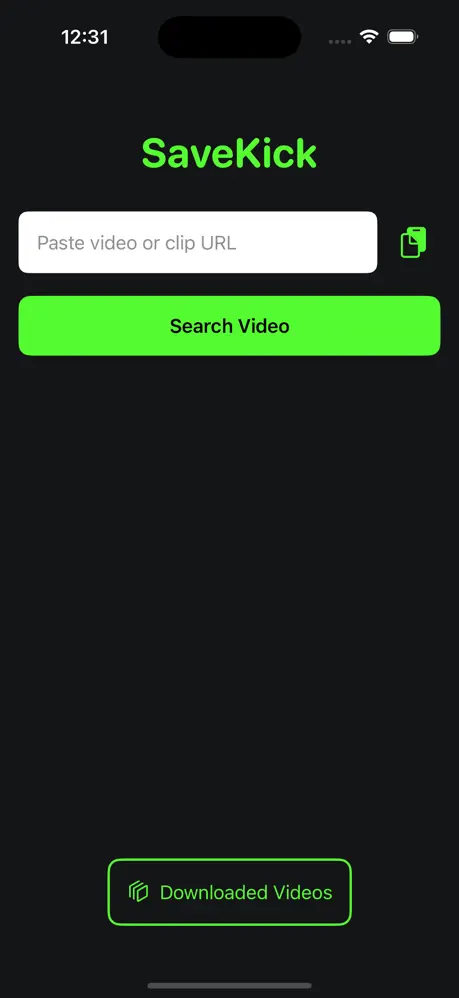
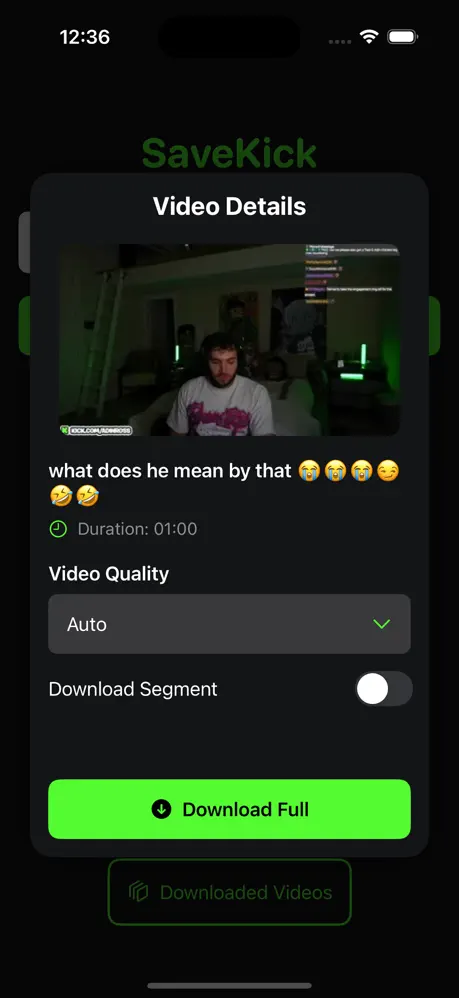
Paste the Kick video or clip link, pick a quality, and press download — the file is saved straight to your device.
No. SaveKick runs in your browser with no sign-up or install; a native iOS app is also available.
Yes. Drag the timeline handles to pick a start and end point, and only that section is downloaded.
Every quality Kick published for that video, usually from 1080p60 down to 360p, saved as an MP4.
No. The file is produced as it streams to you and nothing is kept on the server afterwards.
Every download passes through our servers, and the bandwidth for multi-hour streams is not free — the fee covers that.
Yes. On desktop Chrome or Edge the file is written to disk as it arrives, so there is no size limit.
Yes, in the browser — and there is a native iOS app if you prefer downloading straight to your phone.